My Spare Phone Replaced a MacBook as My CCTV Recorder
Triloch, part 7: my MacBook recorded 22% of the hours in 35 days. A spare Nothing Phone (2) now records and filters my CCTV, with no root.
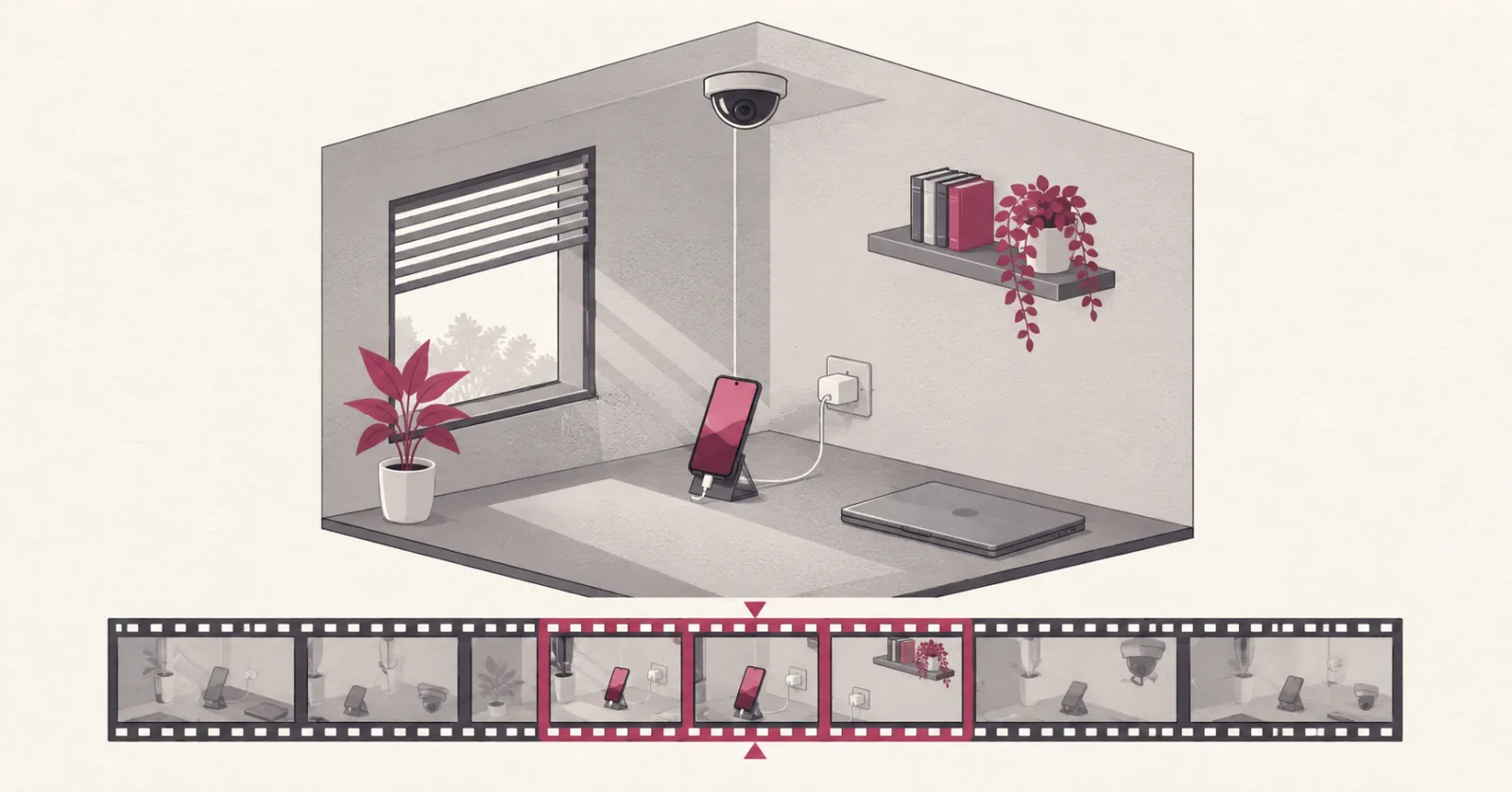
Triloch is the search engine I’m building for my home CCTV recordings, and all of it runs on machines in my house. Most of this series has been about the clever end: vision models describing clips, and in part 6, a search box that finally looked through real October footage. This part is about the boring end, which turned out to be the one that was broken.
Recording was my old M1 MacBook’s job. It pulled the live video off the camera, saved it in five-minute files, and every ten minutes ran my activity filter over the new footage to mark the moments worth describing. My M3 Pro did everything with models. Then one night last week I added up how many hours the M1 had actually recorded each day, and the answer was a lot smaller than I’d assumed.
Twenty-two percent of the time
From 18 October to 21 November, the M1 recorded 186.4 hours out of a possible 840, which is about 22 percent. Eight days recorded less than three minutes, eleven came in under an hour, and even the best day only reached 20.5 hours. Every search I’d run over that footage was limited to whatever hours the laptop happened to catch, and most of each day it caught nothing.
A laptop has plenty of ways to stop recording, and the numbers didn’t say which ones had hit. I already knew this one was fragile, though. In October the recorder couldn’t start at all, because the login job that launched it pointed at a code folder that no longer existed. The M1 was also short on disk, which is why it only ever kept 40 GB of footage. So I didn’t want to patch the laptop again. I wanted a box whose only job was recording, and I wanted it to not be a laptop.
I already had one sitting unused: a Nothing Phone (2) with a broken camera, which I’ve kept because I really love that phone. It has a Snapdragon 8+ Gen 1, 12 GB of RAM and 256 GB of storage, far more computer than recording one camera needs, and its battery can carry it through a short power cut, which a Raspberry Pi can’t do without extra hardware. I’d seen people do wild things with old phones. A phone with a broken camera looking after my camera felt about right.
Same programs, new home
The usual way to run real Linux programs on an Android phone is to root it, and I didn’t want to. Unlocking the phone for root wipes it, and every system update would mean rooting it all over again. I also looked at LineageOS, which officially supports the Phone (2), but the phone is due for a camera repair, and a repair shop might want the original software back. A Raspberry Pi was the other easy answer, except that meant buying something new while this phone sat around doing nothing. So I went with TermuxAn Android app that gives you a Linux terminal and its own package manager, with no root needed. Everything you install lives in the app’s private folder, so other apps and the gallery can’t see it., an ordinary Android app that gives you a Linux terminal and a package manager. No root, no wipe, and the phone stays exactly as it came.
My USB-C cable was at the office, so the whole setup happened over Wi-Fi.
Android can pair with a computer for debugging without a cable, so I turned
on wireless debugging and read the pairing code off the screen. That gave my
Mac a command line on the phone, but it still couldn’t touch Termux, because
Android keeps every app’s files private, even from a debugger. The way in was
the Termux build from GitHub, which is a debug build. Android lets a debugger
step inside a debug app, so adb shell run-as com.termux on my Mac ran
commands as if I’d typed them into Termux on the phone. That’s how a coding
agent did the whole setup from my Mac, installing packages, copying files and
changing settings, while I only picked the phone up when something needed a
finger, like unlocking it.
The recorder is a small Go program, and it moved over without a single code
change, because Go cross-compiles for Android with one command
(GOOS=android GOARCH=arm64 CGO_ENABLED=0 go build). The recorder hands the
actual stream copying to MediaMTX, an open-source media server, and that’s
where the first wall came up:
error: ".../tri/bin/mediamtx" has unexpected e_type: 2Termux slips a small wrapper into every program it launches, and in its
default mode that wrapper refused MediaMTX’s statically linked binary.
Clearing LD_PRELOAD didn’t help, but setting
TERMUX_EXEC__SYSTEM_LINKER_EXEC__MODE=disable in the boot script did.
The activity filter was harder, because it’s Python, and its dependencies
are compiled code. Android has its own C library, called bionic, while the
published packages for onnxruntime, OpenCV and PyAV are built for glibc, the
one normal Linux uses, so Termux’s own Python couldn’t install them. The way
around it was proot-distroA Termux tool that runs a full Linux distribution, like Debian, inside Termux without root. It catches the system calls programs make and rewrites file paths, so Debian’s programs think they’re on a normal Linux machine. Every system call pays a little for that., which runs a full Debian system inside Termux
without root by intercepting system calls and rewriting file paths. Inside
that Debian, uv installed Python 3.12 and the same pinned package versions
my Macs use.
Pretending to be Linux costs something on every system call, and the agent’s first guess of about 25 seconds per five-minute file turned out to be far too hopeful. A real pass takes 2 to 2.5 minutes for ten minutes of footage, with all eight cores busy. That still fits comfortably inside the ten-minute cycle, and the filter runs at low priority so the recorder always gets the CPU first.
The camera happily served two viewers at once, so for eleven minutes the M1 and the phone recorded the same stream side by side. At 02:02 on 22 November we stopped the M1’s recorder and uninstalled it, so nothing would bring it back at login. Thirty-three minutes later, the phone logged its first activity event on its own.
Keeping Android from stopping it
Compute was never going to be the hard part. Android is built to stop background work to save battery, and a recorder running in the background is exactly what it wants to stop. If Android killed it at 3 a.m., nothing would tell me. I’d find out days later, searching for something that was never recorded, which is the M1 problem all over again. So most of the setup went into one question: what could stop the recorder, and what keeps it running?
The first answers were settings. A wake lockA request an Android app makes to keep the CPU running while the screen is off. Without one, the phone goes to sleep and background programs stop getting CPU time. in the boot script keeps the
CPU running with the screen off, and Termux sits on Android’s battery
allowlist, so it may run in the background. Android 12 and later also kill
child processes that apps start, which people call the phantom process
killer, and a recorder plus MediaMTX plus the filter is exactly a pile of
child processes, so one settings put global command over adb switched that
off. Termux:Boot, a small add-on, starts everything after a reboot, and the
boot script restarts the recorder ten seconds after any exit and logs why.
Then we tried to break it. I rebooted the phone, and for about eight minutes SSH answered “Host is down”. Android keeps each app’s files encrypted until you unlock the phone once after boot, so the boot script couldn’t even be read until I did, and the moment I unlocked it, everything came up. At one point I swiped Termux out of the recent apps, and when we checked, the same processes were still running, because Termux runs as a foreground service and only the Exit button in its notification stops it.
Wi-Fi gave us the one surprise. When I switched the phone between my router’s 2.4 GHz and 5 GHz bands, its address changed, and the stream dropped for 77 seconds until MediaMTX reconnected. Pinning the address in the router didn’t work, so now the phone only knows one band.
The battery I forgot
The battery was one of my reasons for picking a phone in the first place, since it would carry the recorder through a power cut. That only works if the phone is plugged in, and on the evening of 22 November it wasn’t. The battery ran flat and Android shut down cleanly at 21:27. When I noticed, I charged it and unlocked it, everything restarted by itself at 22:13, and the gap came to 45 minutes and 47 seconds.
The gap report, a small command that lists every hole in the recording,
labelled it recorder_crashed, because it can’t tell a clean shutdown from
a crash. The recorder had done everything right, though, and the fault was
mine. Even with that hole, 22 November came out at 23.2 recorded hours (the M1
covered its first two), more than the M1 ever managed on its own.
A laptop again
So the M1 is just a laptop again. Nothing on it starts at login anymore, and the footage with activity from its last two days, 21 and 22 November, is safe on the M3.
The footage lives on the phone now. It keeps the newest 60 GB, which is about
13 days at 4.5 GB a day, and whenever the M3 wants footage it pulls it over
SSH with rsync -a. The one flag I’ll never add to that command is
--delete. The phone throws away its oldest files to stay under 60 GB, and
--delete would make the M3 throw away the same files, at exactly the moment
its copies became the only ones left. The first pull brought over 329 files,
7.3 GB, while the phone kept recording, and every size matched on both sides.
It isn’t perfect, and for now I’m fine with that. Nothing pings me if the recorder stops, so I check its log by hand. After a reboot it waits for me to unlock it once. And until the M3 pulls them, new recordings exist only on the phone.
It’s been recording for two days now. The proper 72-hour test finishes on 25 November, and that battery gap already counts against it, which feels fair. Next, I want the phone to pick out the files the filter found something in, so the M3 only has to pull those.
The Triloch series so far
- Part 1Building a Local-First Search Engine for CCTV Footage
- Part 2Why My CCTV Filter Lost Me When I Stopped Moving
- Part 3I Built My CCTV Test Set With AI Agents
- Part 4Qwen, Gemma and Marlin Captioned My CCTV Footage
- Part 5Getting My CCTV Captions Ready for Search
- Part 6My CCTV Search Box Now Searches October
- Part 7My Spare Phone Replaced a MacBook as My CCTV Recorder